Daily Sudoku Together – Play Multiplayer Sudoku With Friends
Play Daily Sudoku Together online with friends. Invite someone, solve the same daily puzzle, compare progress, and enjoy a cleaner multiplayer Sudoku experience.
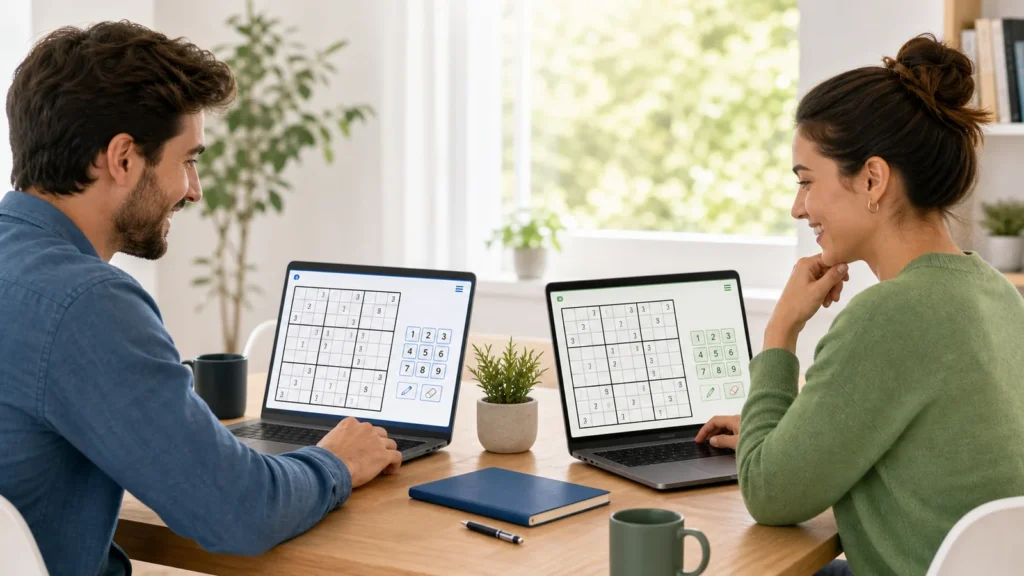
Want a better break than more reading?
Open a fresh Sudoku grid, keep the rules simple, and turn this article into actual practice.
Get the iPhone App →Daily Sudoku Together lets friends solve the same Sudoku puzzle online. Open Pure Sudoku, start a multiplayer room, share a private invite link, then race, compare times, or solve the board cooperatively from separate devices.
This is the page for searches like daily Sudoku together, Sudoku together, Discord daily Sudoku, same-board Sudoku, and multiplayer daily Sudoku. The important part is that everyone plays the same board, so the result feels fair.
Start a multiplayer Sudoku room
How to play Daily Sudoku Together
- Open Pure Sudoku on the web or in the app.
- Choose Multiplayer or a shared-room option.
- Send the invite link to your friend, group chat, or Discord server.
- Start solving once everyone is ready.
- Compare completion time, mistakes, and who stayed calm under pressure.
Daily Sudoku Together options
| Goal | Best page | Use it when… |
|---|---|---|
| Start playing now | Multiplayer Sudoku | You want a room link to send immediately. |
| Learn the steps | How to play the same Daily Sudoku with friends | You want setup ideas for a friend, classroom, or group chat. |
| Play a solo daily first | Daily Sudoku | You want today’s puzzle before inviting others. |
| Practice together on paper | Printable Sudoku | You want everyone solving from the same printed puzzle. |
Good ways to use it with friends
- Race: everyone solves alone, fastest clean finish wins.
- Co-op: talk through logic together and avoid guessing.
- Discord group: post the invite link, start at the same time, and compare screenshots or times after.
- Daily habit: use the same time each day so the puzzle becomes a shared routine.
Why same-board Sudoku matters
Different Sudoku puzzles can vary a lot even when they share a difficulty label. A same-board room makes the challenge fair: each player sees the same givens, the same constraints, and the same turning points.
Related Daily Sudoku Together guides
Daily Sudoku Together FAQ
Can I play the same Sudoku with a friend online?
Yes. Use a shared multiplayer room so both players solve the same board.
Can I use Discord for Daily Sudoku Together?
Yes. Start a room, paste the invite link into Discord, and agree on a start time.
Is this only for racing?
No. You can race, cooperate, teach a beginner, or simply compare times after solving.
Do both players need an account?
The fastest path is to open the shared link and start from the browser experience.
Daily Sudoku Together: play the same puzzle with friends
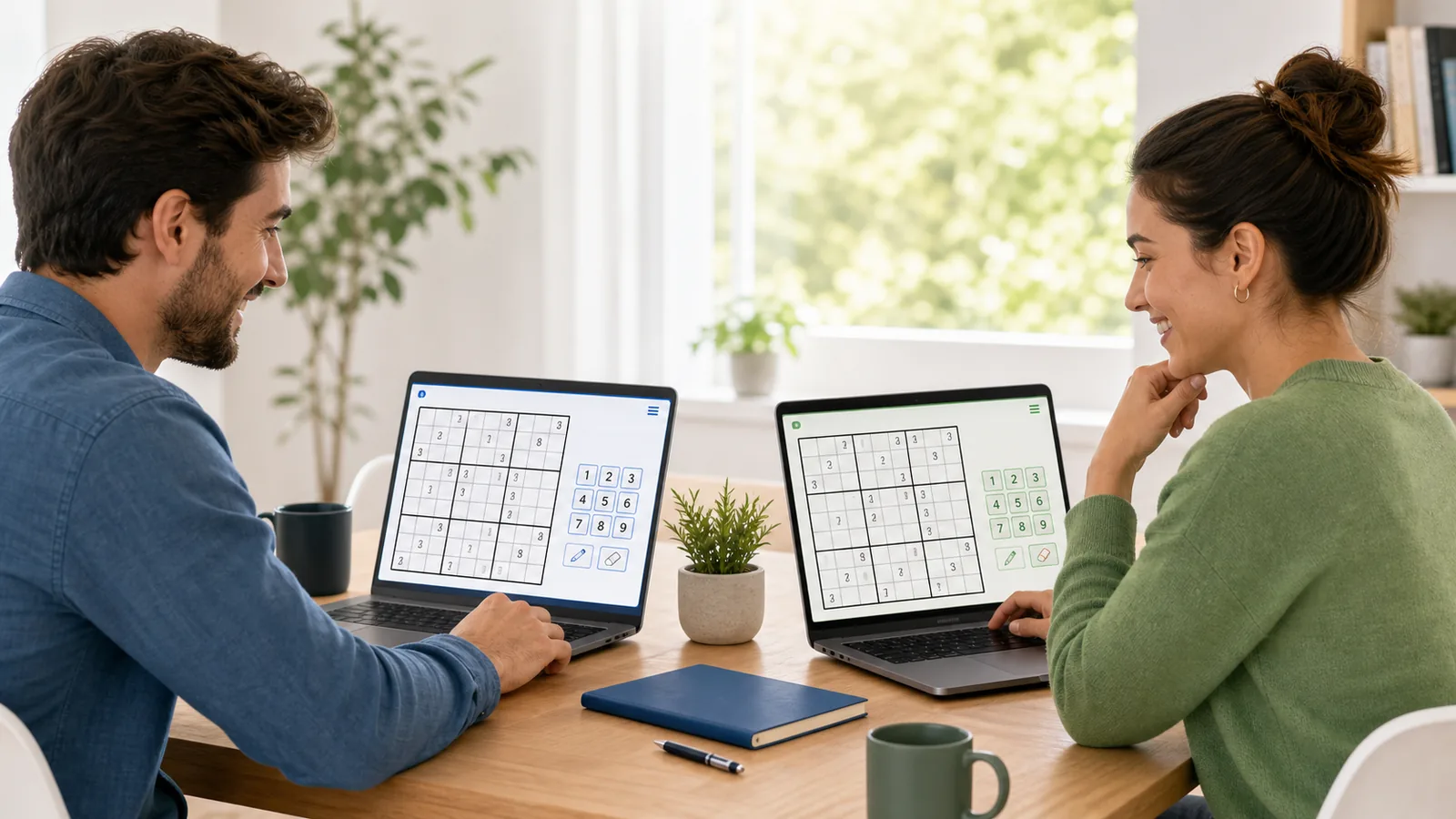
Daily Sudoku Together should make the shared puzzle obvious immediately: invite a friend, open the same daily board, solve at the same time, and compare progress without adding setup friction.
How it works
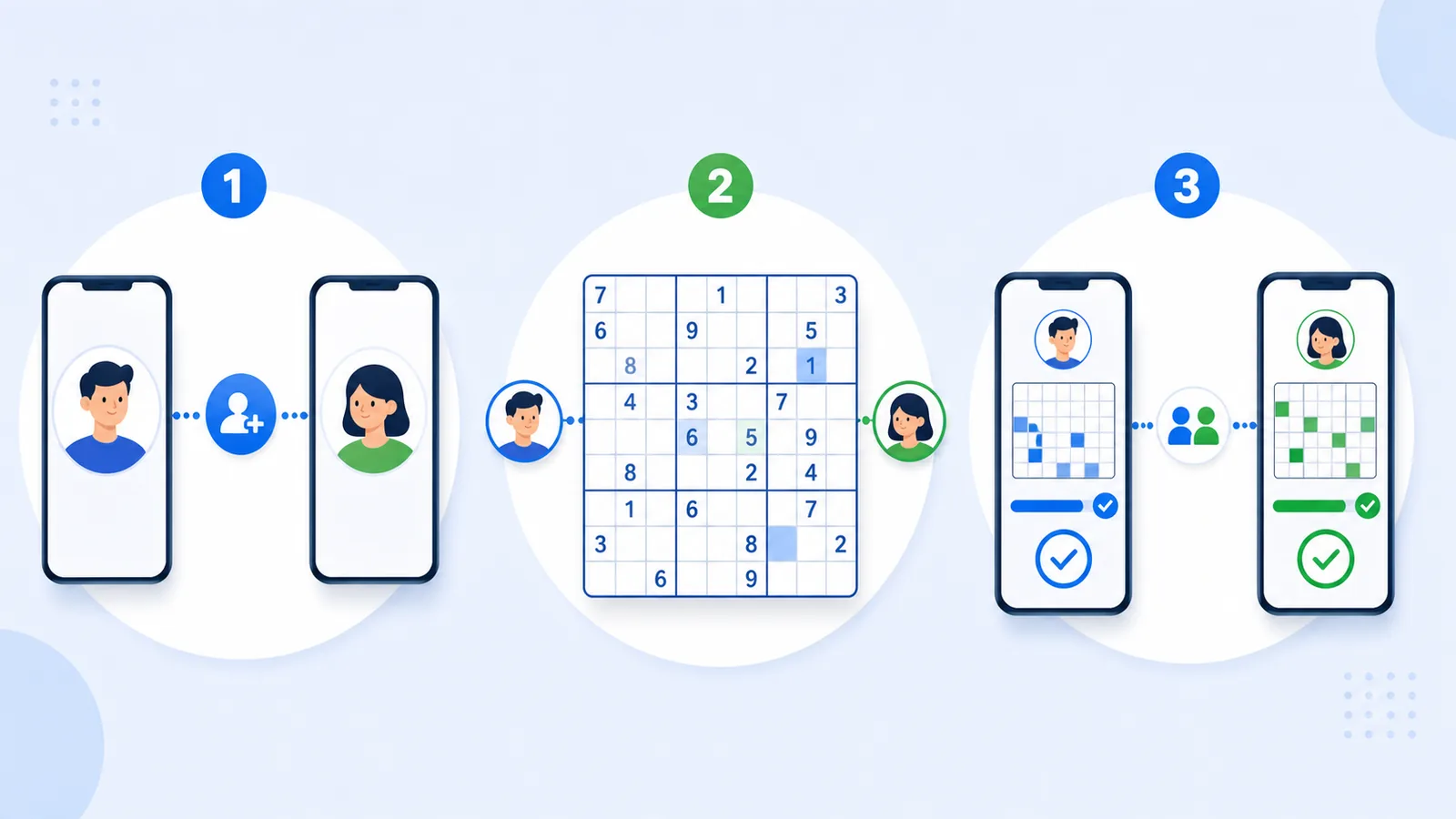
- Invite a friend to the daily Sudoku board.
- Solve the same puzzle with clear progress.
- Compare completion, mistakes, and time for a friendly rematch.
Daily Sudoku Together FAQ
Can you play Daily Sudoku together with friends?
Yes. The simplest version is a shared daily puzzle where both players solve the same board and compare progress.
Is there multiplayer Sudoku?
Multiplayer Sudoku usually means solving the same puzzle together, racing for time, or comparing progress on a fair board.
For a focused landing page, visit multiplayer Sudoku or start a free online Sudoku board.
Get a better Sudoku habit in your inbox
A quick daily puzzle reminder, streak motivation, and the occasional useful PS News update.